
Windows
x64
Open official releasesHoyoRemote
Connect to your computer from any device, anywhere.
Self-hosted, free to use, and always in your control.
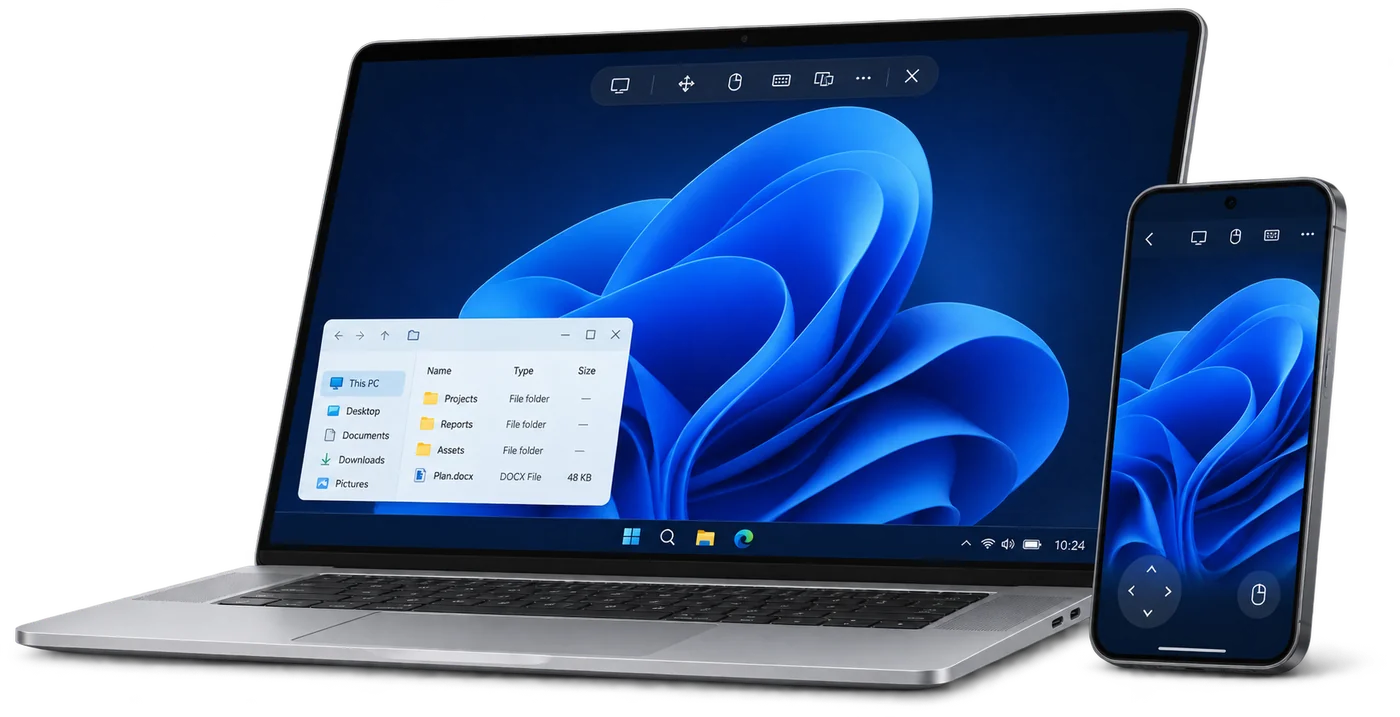
Remote control
See your screen, move the pointer, and use your keyboard as if you were sitting at your own computer.
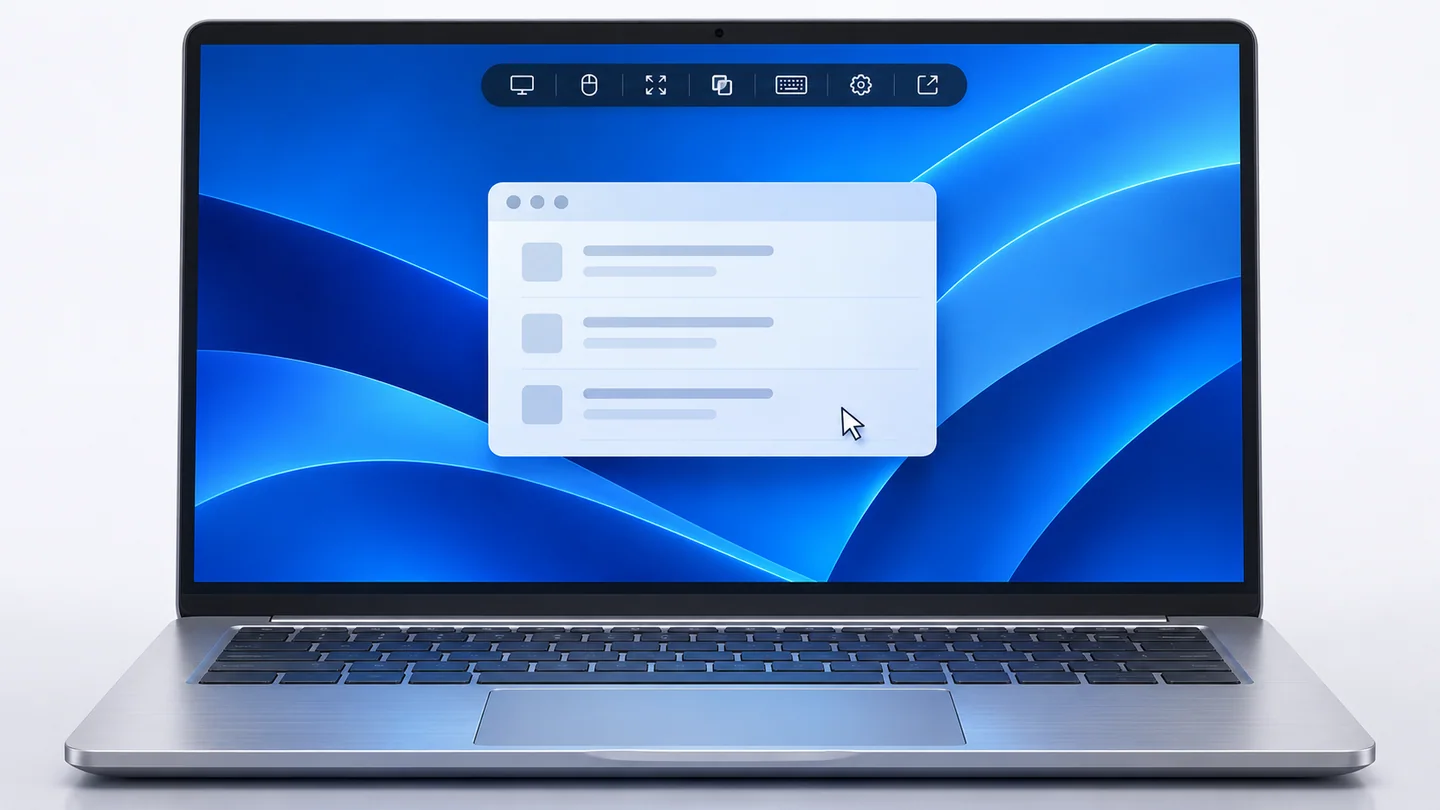
File transfer
Send files and folders in both directions. File copy and paste is available on compatible desktop setups.
Cross-platform
Connect from your computer, tablet, or phone. iOS and iPadOS are controller-only.
Self-hosted
Devices try to connect directly first. When needed, your own relay carries the session. Sessions are encrypted and core remote access is free.
Free to use
RustDesk Server OSS includes core remote desktop features without a Pro subscription.
Download freeControl with the inputs you know.
Set how your computer accepts connections.
Switch between remote screens.
Copy text across sessions that allow clipboard access.
Send and receive files and folders.
Connect directly when the network permits.
Relay a session when direct access is restricted.
Connect across your desktop and mobile devices.
Downloads
Start with the official RustDesk app, then add your HoyoRemote server address and public key.
x64
Open official releasesARM64
Open official releasesApple Silicon
Open official releasesIntel
Open official releasesApp Store
Download on the App StoreUniversal
Open official releasesx64
Open official releasesARM64
Open official releasesSetup guide
Use these settings on both your controller and the computer you want to access.
———On the remote computer, allow the input, clipboard, and file-transfer permissions you need in Security settings. Set a permanent password there if you use unattended access.
Service status
The ID and relay servers are checked from external networks at regular intervals.
Status reflects external TCP probes. Use the RustDesk app to verify UDP registration, P2P connectivity, and a full remote session.
View service status